Introduction
This documentation introduces the example applications that demonstrate the brand protection (BP) with online authentication use case. It provides guidance on system setup, personalization, and evaluation, ensuring a successful implementation of the use case.
Overview
This section outlines the part of the host software documentation dedicated to the brand protection (BP) with online authentication example applications. The key topics include:
Introduction: Provides an overview and lists the requirements to evaluate this use case.
Personalization: Steps to configure the NBT for a specific use case.
Operation: Steps to prepare and evaluate the system in the operational environment.
User guides: Platform-specific instructions for the provided applications.
Step-by-step guide: Detailed steps to setup, install and evaluate this use case with the provided software/hardware.
Requirements
The following hardware and software components are required to evaluate the use case.
Hardware
The following hardware devices need to be available for this use case:
Android or iOS-based mobile phone
Android version: 11+
iOS version: 15+
Development PC
The recommended platform for the development PC is Windows. If an iPhone is used as mobile phone (also) an macOS-based development PC is required.
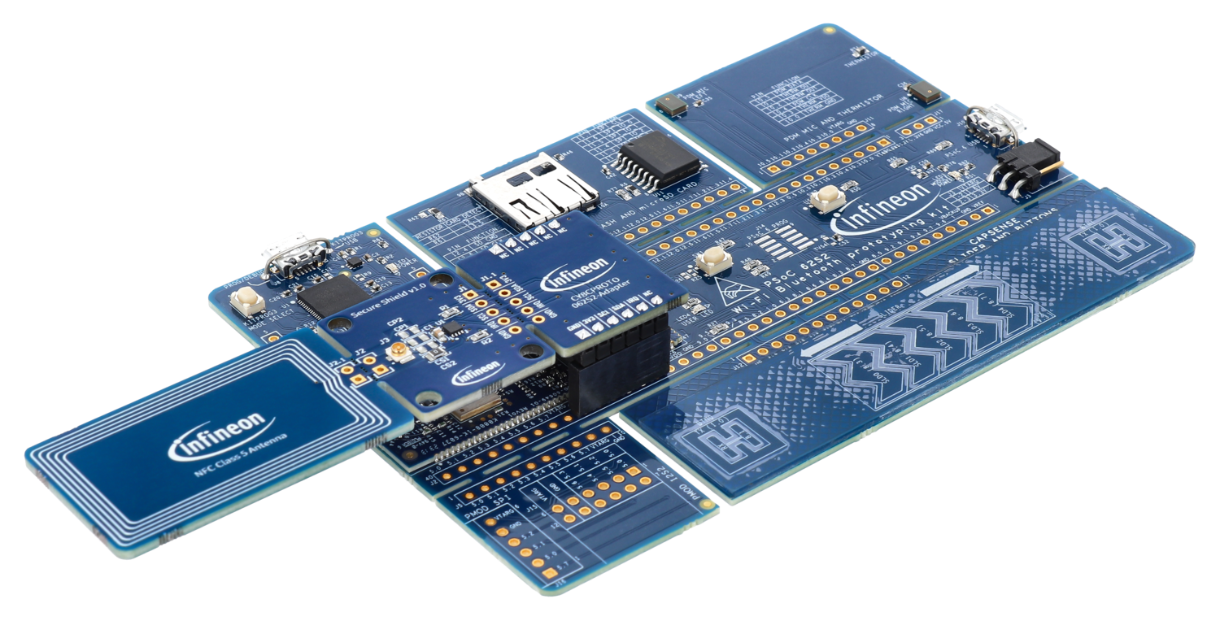
Fig. 27 The OPTIGA™ Authenticate NBT Development Kit.
Software
Several example applications are made available for this use case. These applications are meeting the requirements for software quality level example.
Example application |
Type |
Link |
|---|---|---|
OPTIGA™ Authenticate NBT COTT Webserver Application |
Webserver |
|
OPTIGA™ Authenticate NBT PERSO Application for Android |
Mobile phone |
|
OPTIGA™ Authenticate NBT PERSO Application for iOS |
Mobile phone |
Development tools
The following development tools have to be installed on the development PC:
Software type |
Required tooling |
|---|---|
Webserver application |
Python 3.8+ with Flask |
Android app |
|
iOS app |