Installation
This section explains how to Install the position sensor evaluation software.
After downloading the zip file and extracting it, it will look like this:
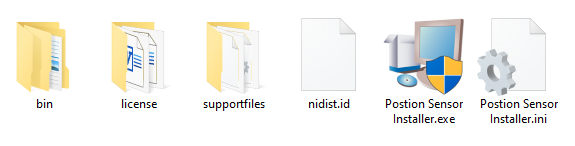
Start Position Sensor Installer.exe
And follow the following steps:
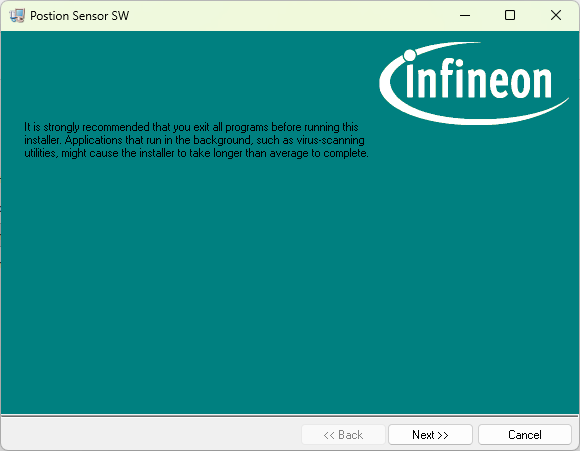
Click Next
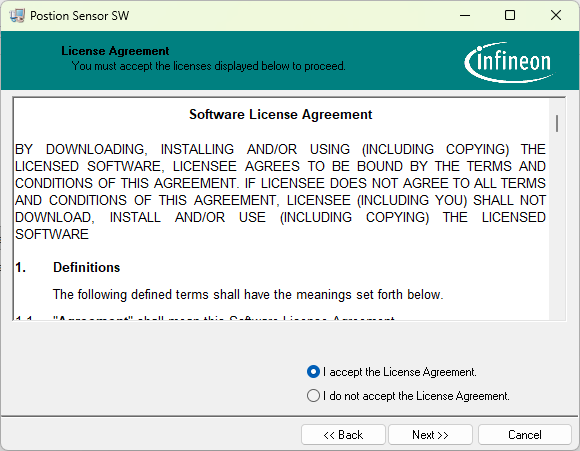
Read and accept the software license agreement and click Next
Read and accept the NI components license agreement and click Next
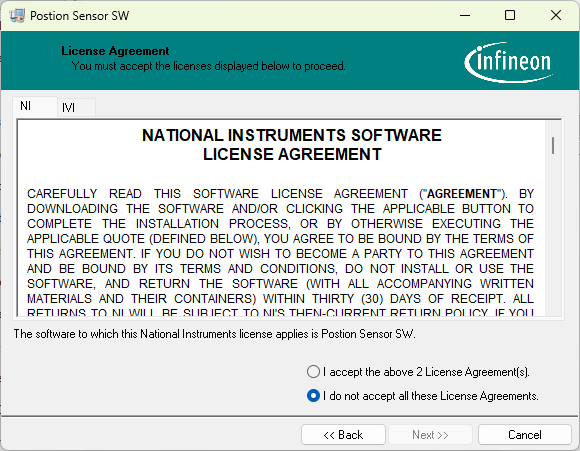
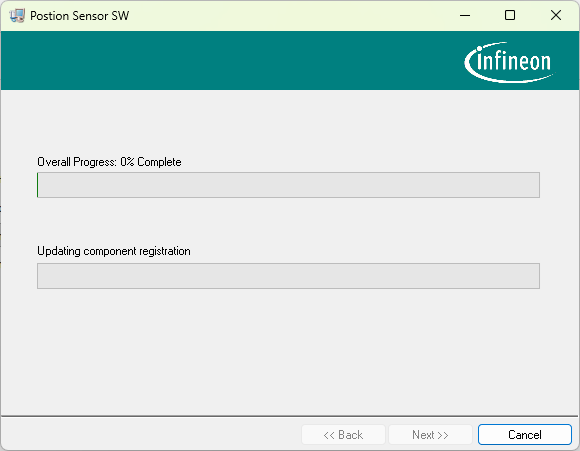
The installation will start
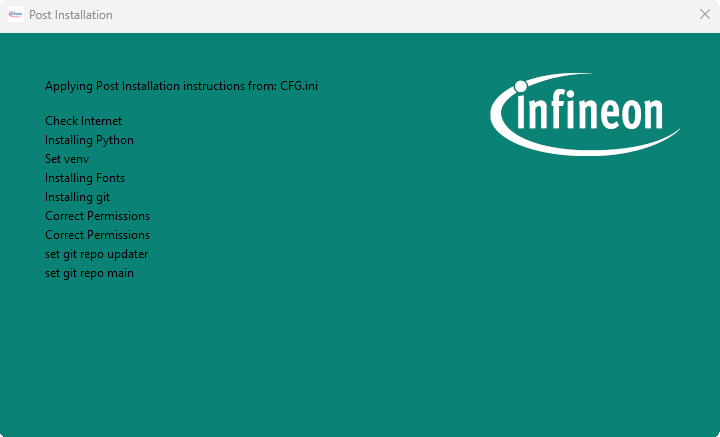
Afterwords, the Post-Installation window will install and configuration other components needed by the software. “This step requires internet access”
After this step, the installer will ask you to reboot the PC.
The application can be found on the Desktop:
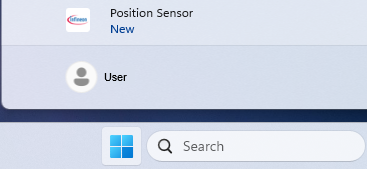
or from the Start Menu: