This section describes how to verify that the SMBus/PMBus target device is working correctly.
Build and Program
- Build and program your project.
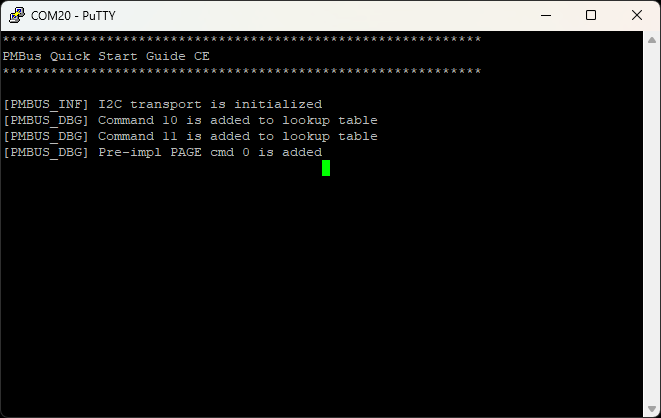
- Open a terminal application (e.g., PuTTY, Tera Term) and connect to the device COM port.
- Check if I2C transport is initialized correctly and all commands are registered.
- Connect the I2C Controller to the device.
Quick Command and Read 32 protocols test (SMBus/PMBus mode)
- Send Quick Command with the write direction to the device address (The User LED will toggle (#1.0)).
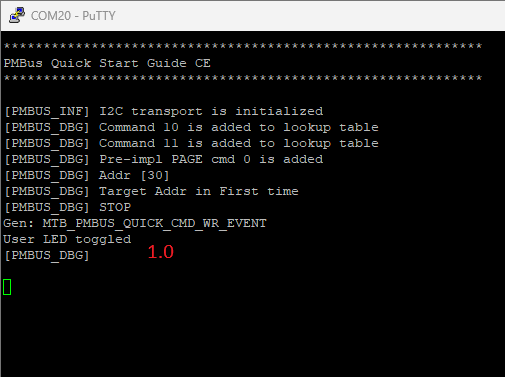
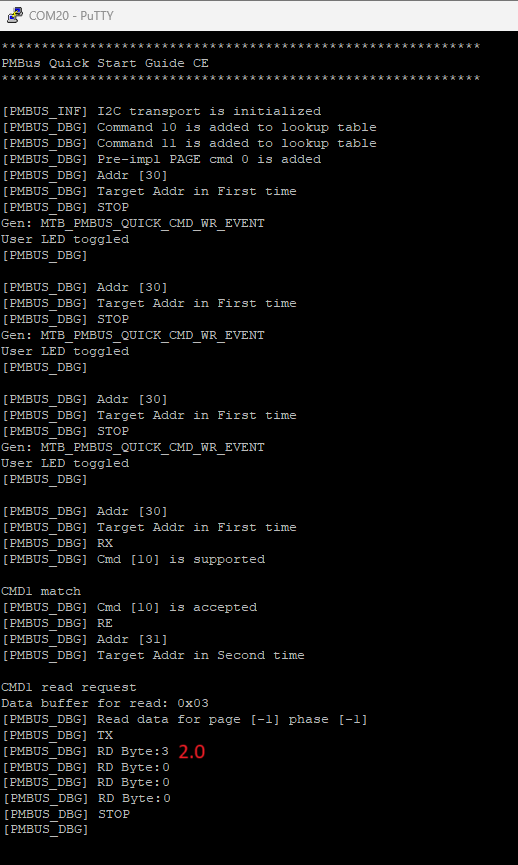
- Repeat the previous step with Quick Command several more times.
- Send Read 32 protocol with CMD1 command code (0x10) to the device address (the Controller will read User LED toggle counter (#2.0)).
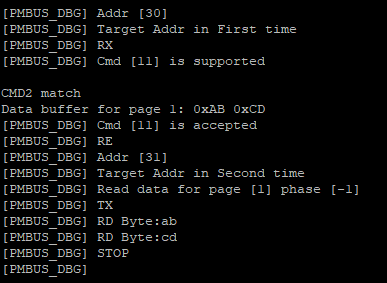
PAGE command and Write/Read Word protocols with page support test (PMBus mode only)
- Send Write Byte to the device address with PAGE command code (0x00) and page number (0x01) (Target will switch to page 1).
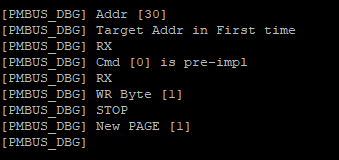
- Send Write Word to the device address with CMD2 command code (0x11) and data bytes (0xAB 0xCD) (Target will write command data buffer on page 1).
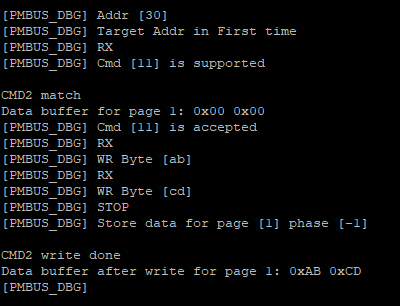
- Send Read Word to the device address with CMD2 command code (Controller will read data from command data buffer on page 1).