This section describes how to verify that the PMBus controller device is working correctly.
Build and Program
- Build and program your project.
- Open a terminal application (e.g., PuTTY, Tera Term) and connect to the device COM port.
- Check if the I2C transport is initialized correctly and the controller is ready.
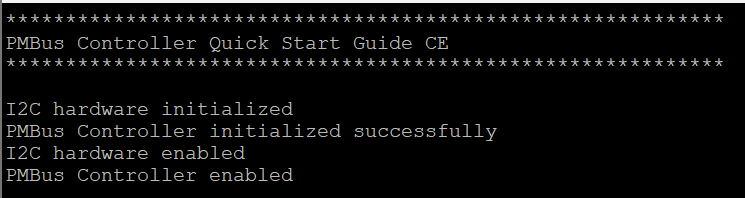
- Connect the PMBus target device (address 0x18) to the I2C bus.
- Reset the controller device to start the tests.
Quick Command protocol test
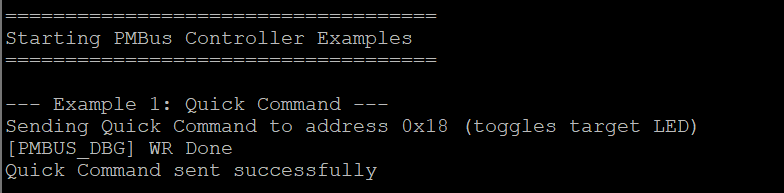
- The controller will automatically send Quick Command to the target device (address 0x18).
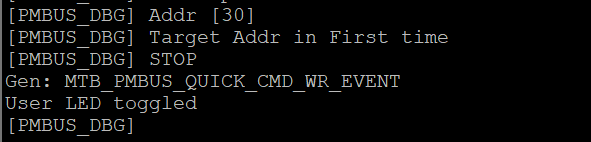
- Observe the User LED toggle on the target device.
Check the terminal output for the transfer completion status.
- Controller terminal output:
Read 32 protocol test
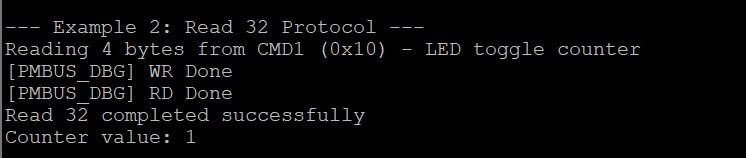
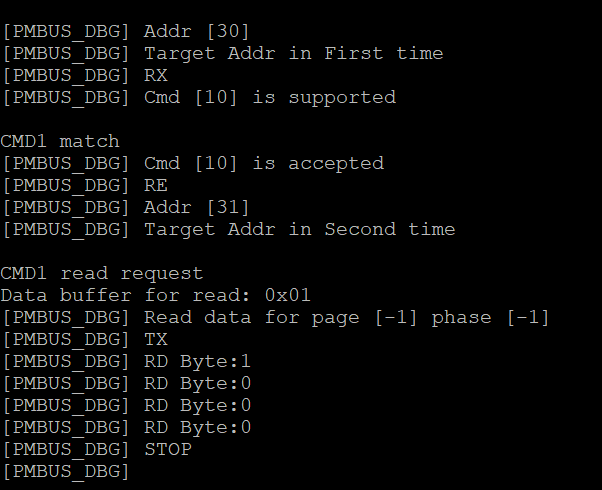
- The controller will read 4 bytes from CMD1 (0x10) on the target device.
- This command reads the LED toggle counter value.
Observe the terminal output showing the read data and counter value.
- Controller terminal output:
Generic transfer examples test
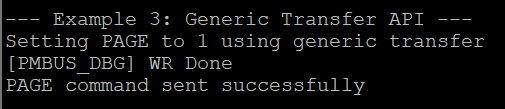
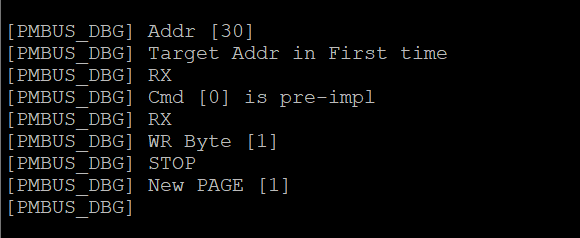
The controller will send PAGE command (0x00) with page number (0x01) using generic transfer API.
- Controller terminal output:
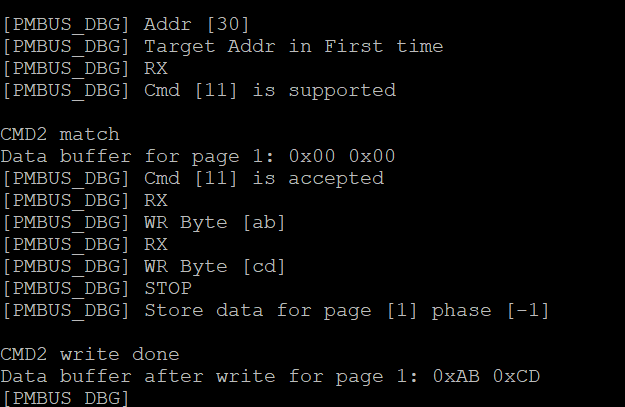
The controller will write 0xABCD to CMD2 (0x11) using Write Word protocol.
- Controller terminal output:

The controller will read data from CMD2 (0x11) using Read Word protocol.
- Controller terminal output:
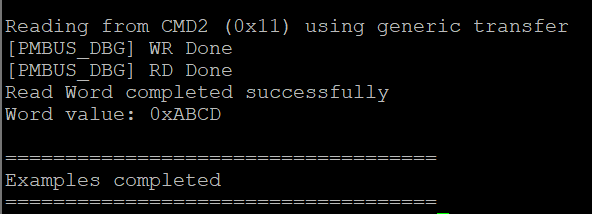
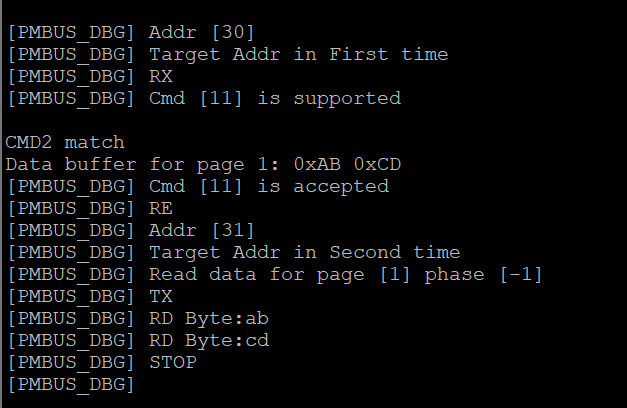
- Observe the terminal output showing all transfer results.